
← All walkthroughs
Sharing a Story With Your Link
Pick a story or a listing, then copy the link, post it, email it or text it.
The steps
1Start by choosing what to share. Pick the homepage, a story, or one of your listings.
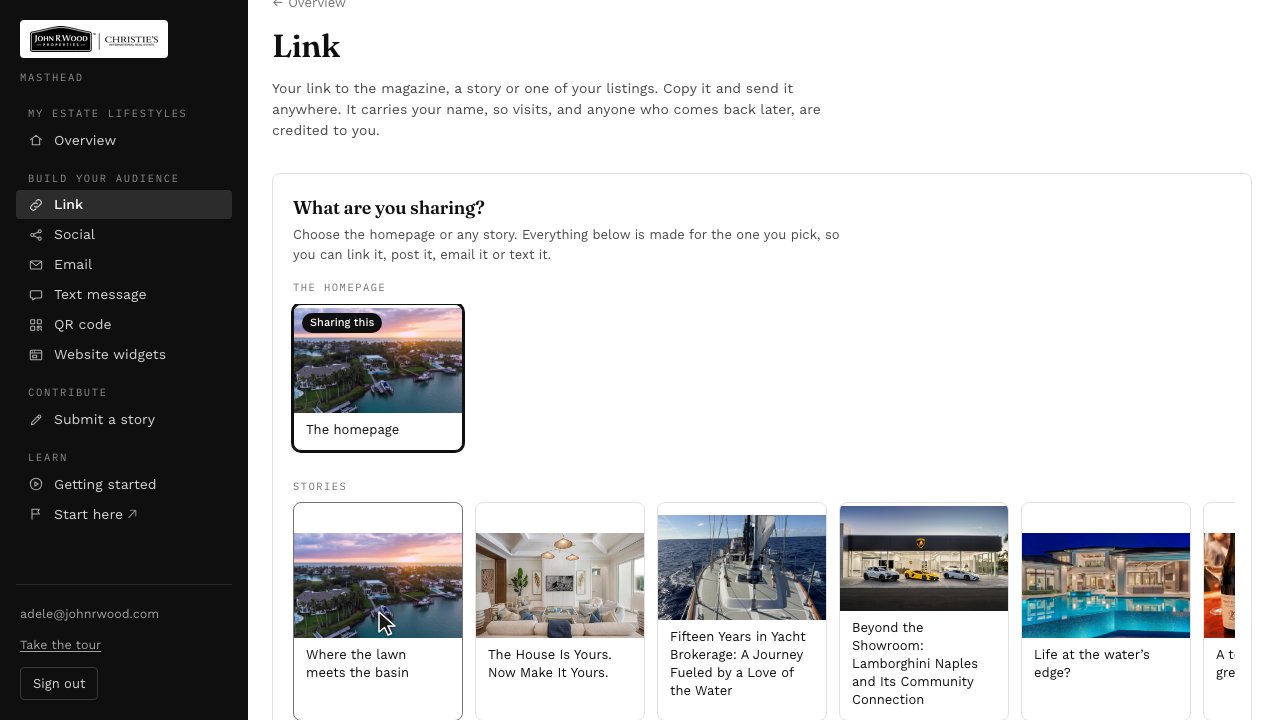
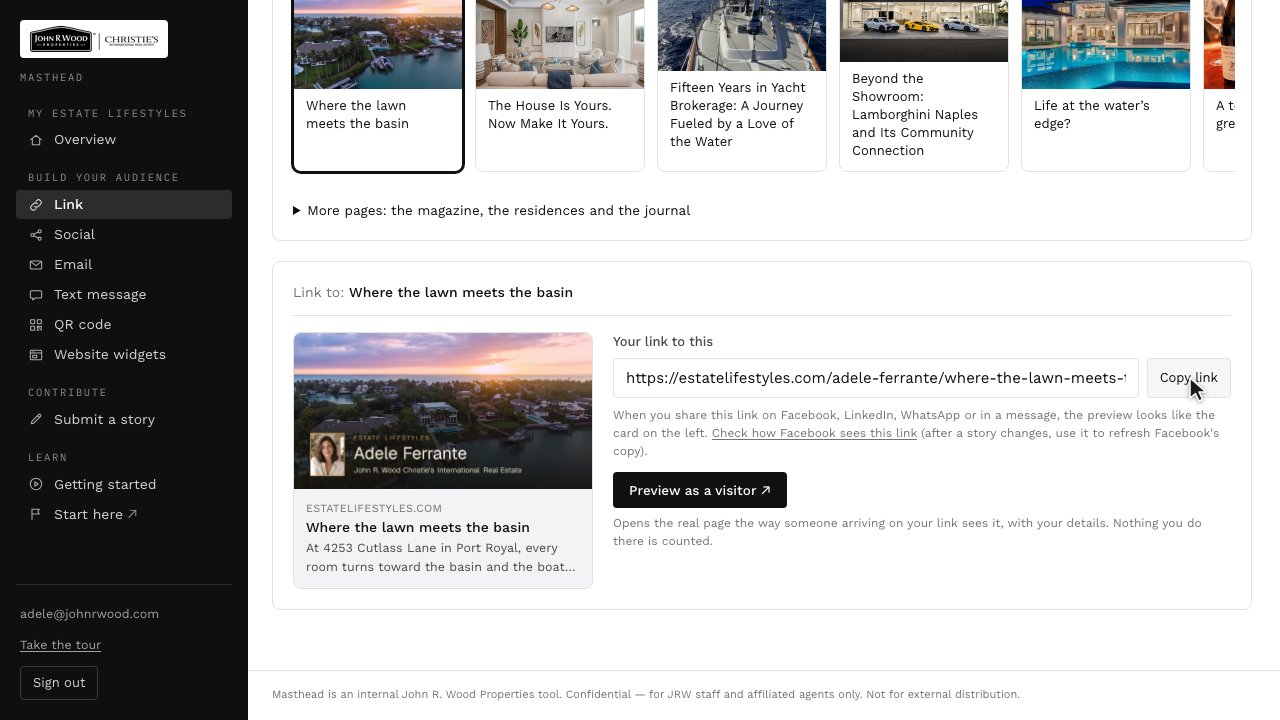
2On the Link page, copy your link to take it with you, or check how it will look when you share it.
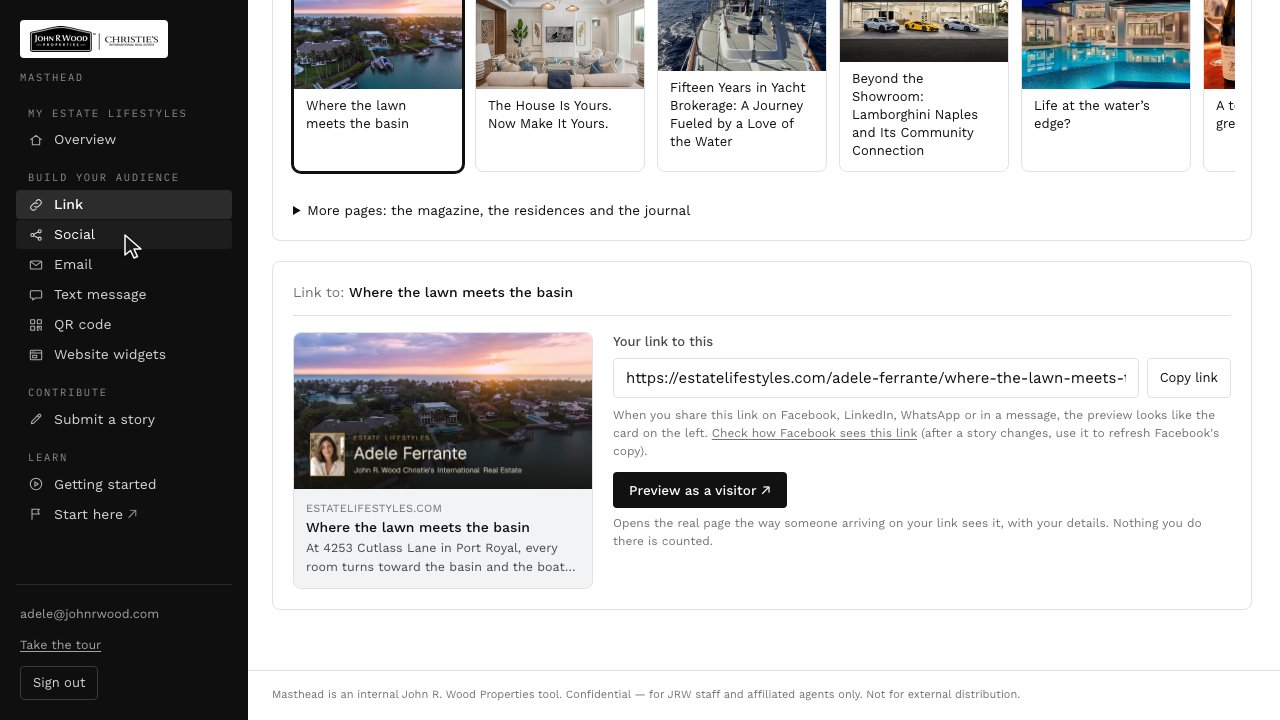
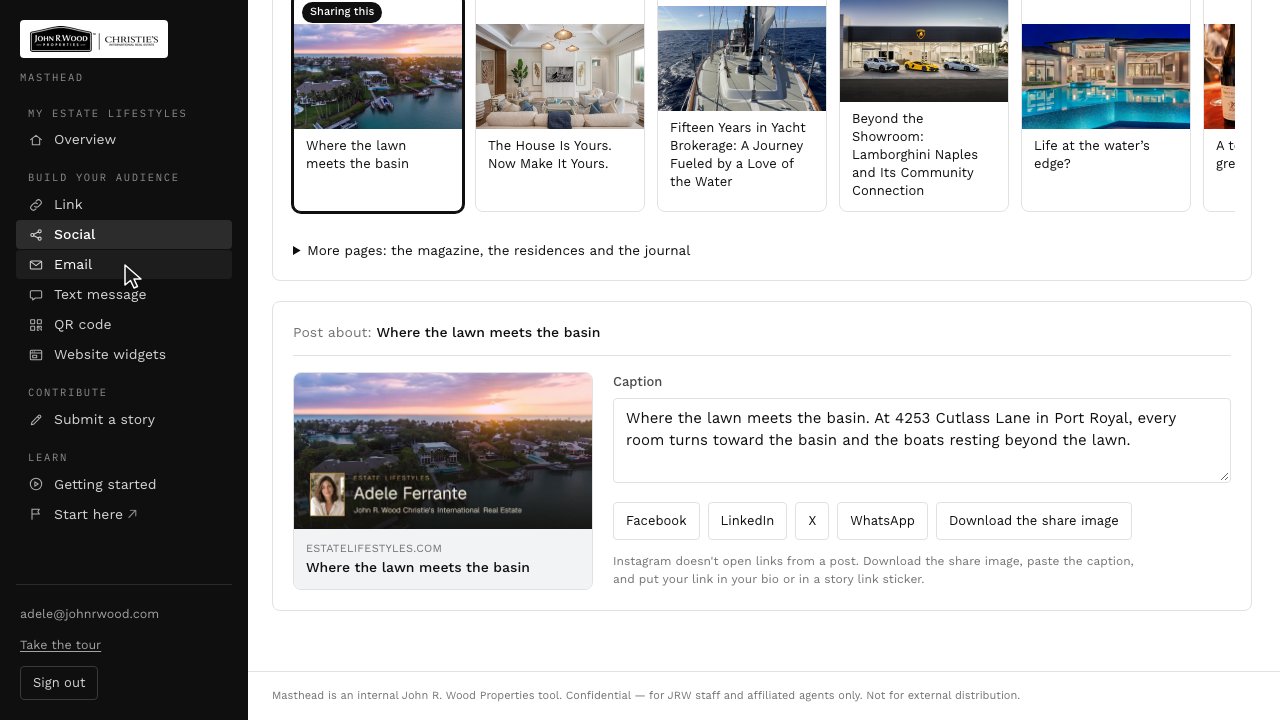
3Social has a caption ready to go. Pick a network and Masthead opens it with your link.
4To email a prospect, open Email, add their first name, and a line of your own.
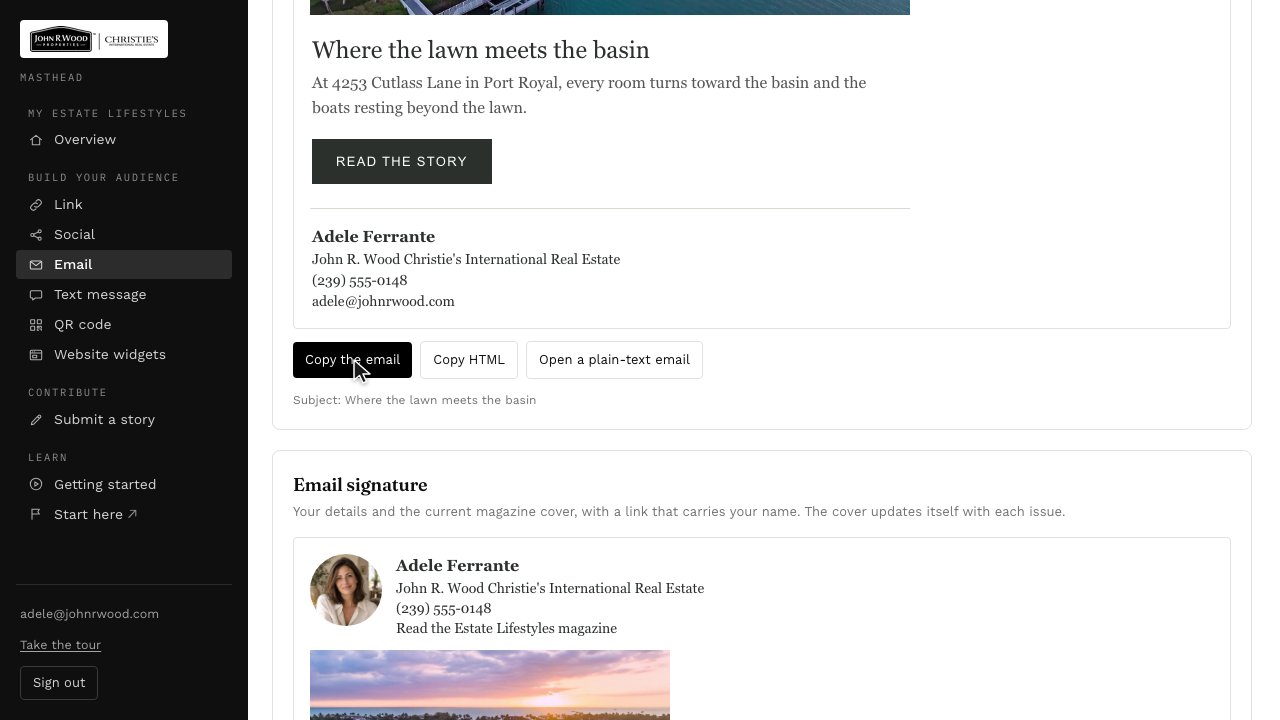
5The email is written for you. Copy it, and paste it into a new message.
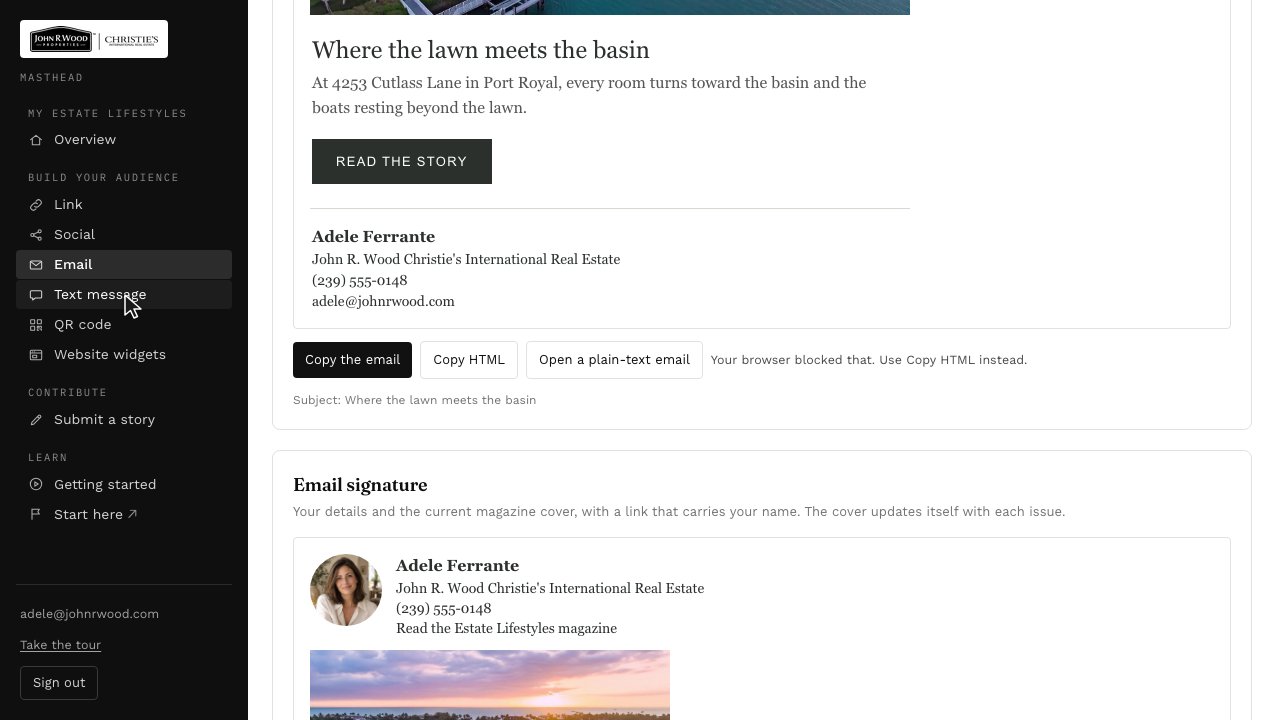
6Or send a text. Text message has a short note ready to go from your phone.
Next: Sending Us a Story →